· mQuark · Announcements · 9 min read
Stop Asking an LLM to Return a Number
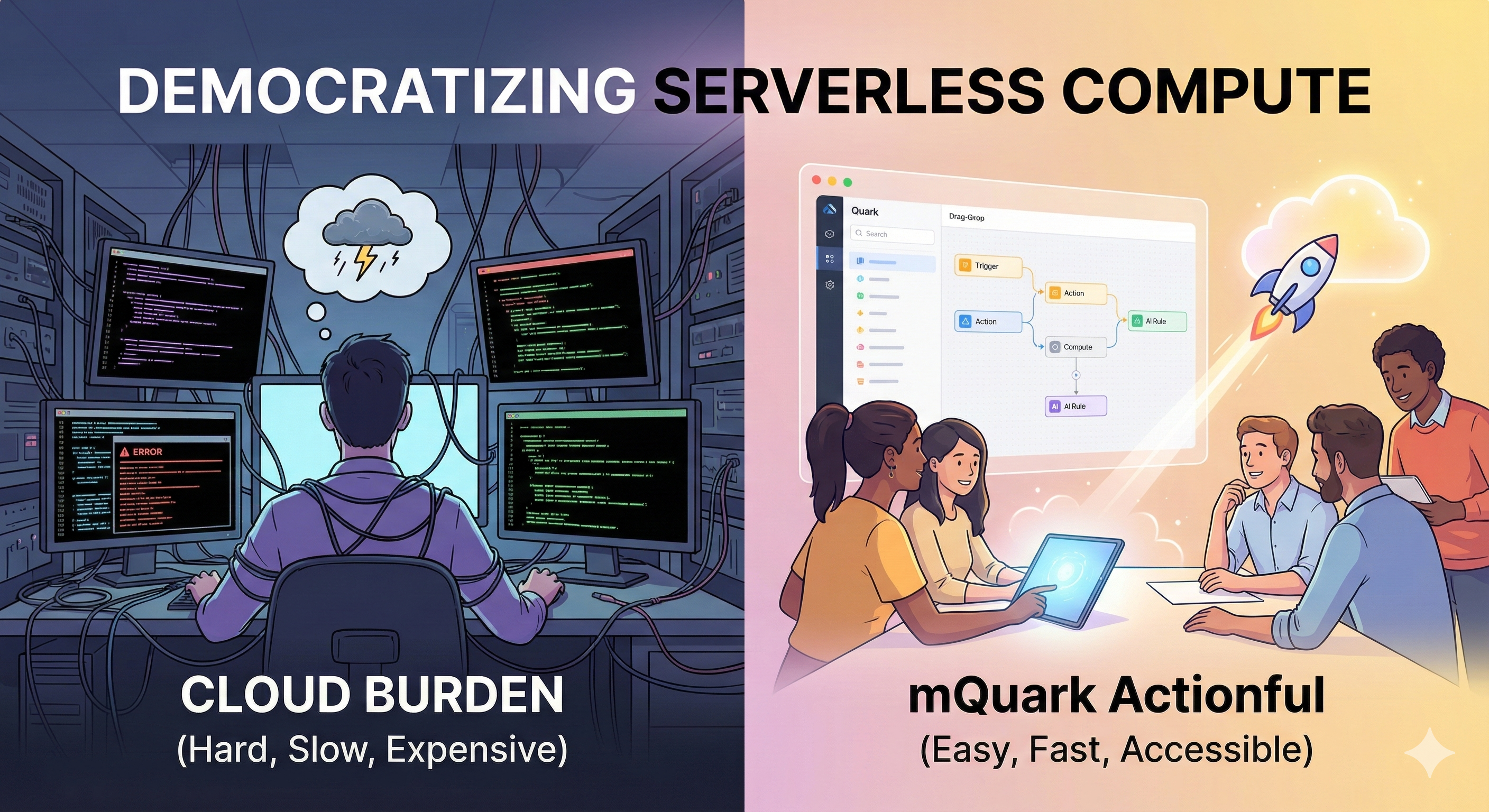
Score, route, and screen every webhook in about 120 ms with AI rules that can only answer from your options, report how sure they are, and plug straight into typed workflows.

A support ticket lands in your webhook. Before anything else happens, someone has to make three calls: is this spam? Which team owns it? Do we wake somebody up?
These are judgement calls, and judgement is exactly what code is bad at. So most of us reach for an LLM step: paste the ticket into a prompt, ask for "urgency from 1 to 5, reply with the number only", and hope.
It works, until it doesn’t:
- It’s slow. A small reasoning model takes a second or two per call, and in our own tests the worst case was over 20 seconds. That’s an eternity inside a webhook handler.
- It’s untyped. You asked for a number and got
"4","High", or a friendly paragraph explaining its reasoning. Now you’re writing parsing code for your AI. - It can’t say “I’m not sure”. It always answers, with the same confidence, whether the ticket is obvious or genuinely ambiguous. There’s nothing to branch on.
mQuark Actionful has a better set of tools for this job.
Meet the AI Rules
Actionful workflows are trees of strongly-typed rules, and four of them bring AI into your workflow. You’ll find them in the AI category:
| Rule | You give it | You get back |
|---|---|---|
| AI Score | A question and an ordered rubric (2–10 levels) | A whole number from 0 to 100 |
| AI Choice | A question and your options (2–255) | The chosen option, or no choice (it abstains) when the model isn’t sure enough |
| AI Check | A yes/no question | true or false, at the confidence threshold you set |
| AI Prompt | Any instruction | Generated text, or a whole object matching your model |
The four rules come in two kinds, each built for a different job:
- Generate: AI Prompt. Give it an instruction and your data, and it writes: a reply to a customer, a summary for Slack, or a whole structured object extracted from messy input. It’s backed by a large language model, and its answer is converted to the type your workflow expects.
- Decide: AI Score, AI Choice and AI Check. These answer judgement questions, and they’re backed by a decision model rather than a text generator. Instead of writing an answer, the model weighs the options you gave it and returns a probability for each one. It’s a discriminative model, not a generative one: it reads your data and your options together and scores every option directly, without generating a single word. That’s why it’s fast, and why its answer can’t fall outside your options.
For judgement calls, that difference fixes all three problems:
- Fast: a median of about 120 ms per call in our benchmark, so it fits inline in a webhook.
- Typed by construction: AI Choice can only return one of your option keys. AI Score can only return a number between 0 and 100. AI Check can only return a boolean. There’s nothing to parse.
- Knows when it’s unsure: every answer comes with a confidence, and the rules let you act on it.
Walkthrough: Triage a Support Ticket in One Message
You don’t build these rules by hand. You describe what you want to Gluon, Actionful’s built-in AI assistant. Gluon knows every AI rule, what it returns and how to configure it. It creates the data model, builds and validates the workflow, publishes an endpoint, and tests it for you.
You describe the problem the way you’d describe it to a colleague:
Our helpdesk sends every new support ticket to a webhook. Build an endpoint that triages these tickets. Ignore obvious spam. Route the rest to billing, account or technical, and send anything you’re unsure about to our triage queue. Flag tickets that block a customer right now so we can page on-call, and draft a short first reply we can send. Test it with a few realistic tickets.
From that one message, Gluon designs the ticket and result models, picks the AI rule for each decision, builds and validates the workflow, publishes the endpoint, and tests it.
What Gluon Built
Spam: AI Check. “Ignore obvious spam” became an AI Check that answers true only when the model puts the probability of spam at 90% or more. Throwing away a real customer’s ticket is far worse than letting one spam message through, so the workflow only acts when the model is quite sure. One number encodes an asymmetric cost.
Routing: AI Choice. AI Choice returns billing, account or technical, and nothing else. It can’t invent a fourth team or misspell one, so routing is a plain lookup. “Anything you’re unsure about” became a minimum confidence of 70%: below it, AI Choice abstains instead of guessing, and the workflow sends the ticket to the triage queue. Ambiguous tickets get a person, not a confident wrong answer.
Paging: AI Check. “Block a customer right now” is a yes/no question, so it got a second AI Check, at 80%.
The reply: AI Prompt. Some jobs really are generation, and that’s what AI Prompt is for. It knows your data models too: ask for plain text and you get text; ask for a structured result and you get an object of your model’s type.
Like everything in Actionful, the workflow is validated before it can run. A missing option list, a single option, or a confidence of 150% is caught at design time, not discovered at 3 a.m. And you can open it in the visual designer to see, and change, every decision Gluon made.
The Results
Here are the tickets Gluon tested the endpoint with:
| Ticket | Team | Page on-call? | Drafted reply (excerpt) |
|---|---|---|---|
| “Can’t login”: “Invalid credentials” even though my password is correct | account | No | ”…please confirm the username/email you use to sign in and whether you’ve recently attempted a password reset…" |
| "Cheap meds offer”: Lowest price on meds! Click here! | spam (dropped) | No | none |
| ”Payment failed - urgent”: we’re down for all customers | billing | Yes | ”…We are escalating this to our on-call team right away.” |
And this is the raw response your helpdesk gets back for the last one:
{
  "ticketId": "t3",
  "route": "billing",
  "isSpam": false,
  "isBlocking": true,
  "draftReply": "We acknowledge the payment failure and understand this is impacting all customers. To help us resolve quickly, please confirm any error messages you saw, the affected account ID (if different from customerId), and the approximate time of the incident. We are investigating immediately and will provide updates and an estimated resolution time as soon as possible. We are escalating this to our on-call team right away."
}
route is always one of billing, account, technical, triage or spam. isSpam and isBlocking are real booleans. There’s nothing to parse and nothing to sanitise: every field has the type of the result model Gluon designed.
Going Further: AI Score
A yes/no “blocking” flag is a good start. When you want a graded urgency instead, tell Gluon:
Rate urgency on three levels: “Can wait” (feature requests, general questions), “Reply today” (a bug with a workaround, a billing question, a deadline this week), “Blocking now” (outage, payments failing, data loss, a security incident). Page on-call when the score is 75 or more.
You write the rubric in plain language, from lowest to highest. AI Score returns the ticket’s position on that scale as a number from 0 (first level) to 100 (last level), weighted by how likely each level is. A ticket that’s clearly “Blocking now” scores near 100. One the model sees as between “Reply today” and “Blocking now” lands in between. That’s uncertainty you can see, in a single number.
Because the scale is always 0–100, “page at 75” keeps its meaning if you later add a level to the rubric.
Tip: concrete levels beat abstract ones. “Blocking now: payments failing” works better than “Critical”, because the model has something observable to match against.
”I’m Not Sure” Is a Feature
Most AI steps in workflow tools give you an answer and nothing else. The AI rules give you an answer and a way to act on how sure it is, and they keep that logic visible:
- AI Choice abstains below the confidence you set, and your fallback decides what happens next: a human review queue, a safe default, a hard failure, or an AI Prompt.
- AI Check’s threshold encodes asymmetric costs: block a sign-up only at 90% sure, flag it for review at 60%.
- AI Score shows its uncertainty in the score itself.
Nothing escalates behind your back. There’s no hidden retry against a bigger model and no silent fallback. If a workflow sends unsure cases somewhere, you can see it in the workflow.
How It Compares
Before building this, we benchmarked the decision model against the small reasoning model behind our AI Prompt rule. We used 150 hand-labelled items across four tasks (ticket urgency, team routing, lead fit, sign-up spam), about a quarter of them deliberately borderline.
The decision model matched the LLM’s accuracy at about a tenth of the latency. It won outright on ticket urgency and team routing, tied on spam, and trailed on lead fit, where every miss was a borderline case. Its confidence also did its job: it dropped on the borderline items for every task, which is exactly when you want a workflow to route to a human.
In fairness: the datasets are synthetic and small, so treat the results as indicative, not as a guarantee for your data. The best way to find out is to point a workflow at your own webhooks.
Your Data
The AI rules only send data when a workflow runs one of them, and they send only the data you give that rule plus its instructions. AI Score, AI Choice and AI Check are processed by a specialised third-party AI decision provider. AI Prompt and Gluon run on Microsoft Azure OpenAI. None of our AI providers train on your data. The details are on our Subprocessors page and in the Privacy Policy.
Try It
All four AI rules are available in every Actionful workspace. The fastest way to see them work: open Gluon, paste a sample of a webhook you already receive (a ticket, a sign-up, a lead, a review), and say what you need to know about it. Gluon picks the right AI rule for each decision.